Native to the Mac.
Dioramac lives in your menu bar and uses Apple’s Metal graphics to draw each scene. The app is native macOS, with no web views or web frameworks.
Waves roll in, wildlife wanders, and tiny worlds come to life around the icons on your desktop.
Explore the scenesPick a scene and see what wanders by.
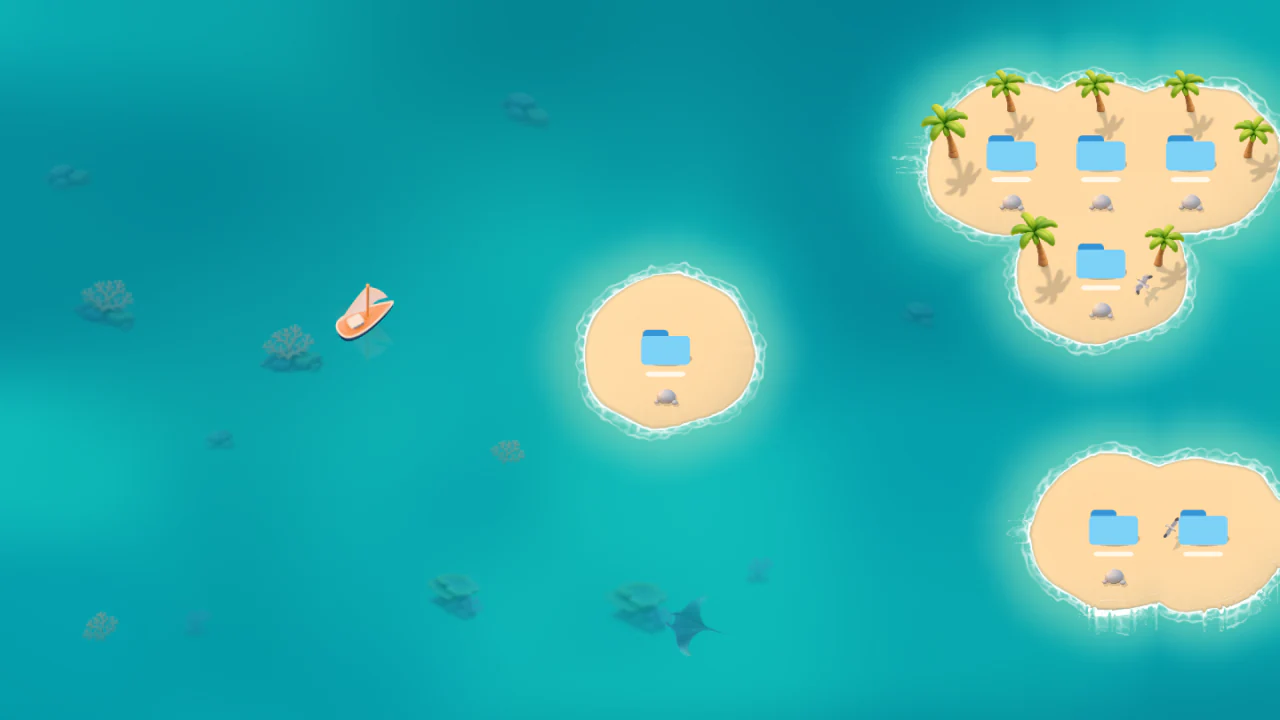
Sailboats drift over reefs, gulls circle overhead, and waves wash around sandy islands.
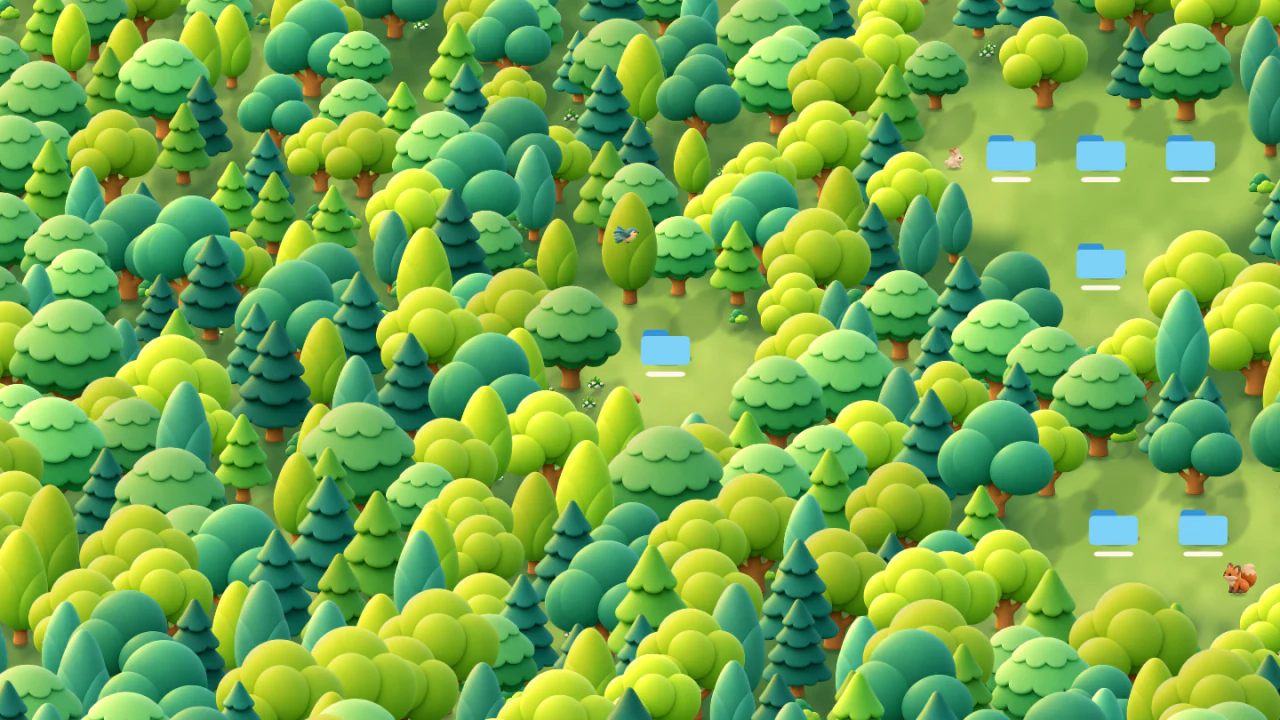
Foxes and rabbits cross grassy clearings while songbirds skim the treetops.
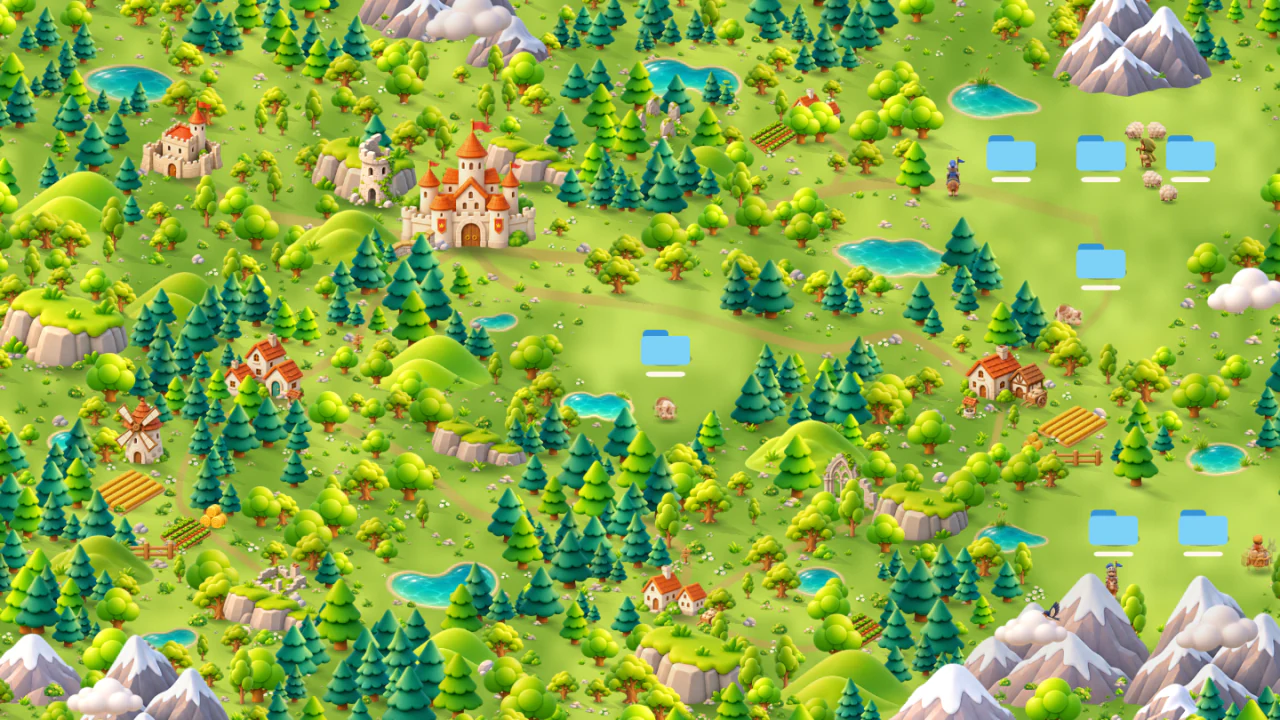
Knights ride past castles, and a shepherd leads sheep through the countryside.
Koi glide through ponds beneath the cherry blossoms while herons patrol the banks.
Lanterns glow in Zen Garden and dusk settles over Kingdom. Both scenes switch between day and night using your Mac’s local time.
Automatic day and night is available with a paid scene purchase.
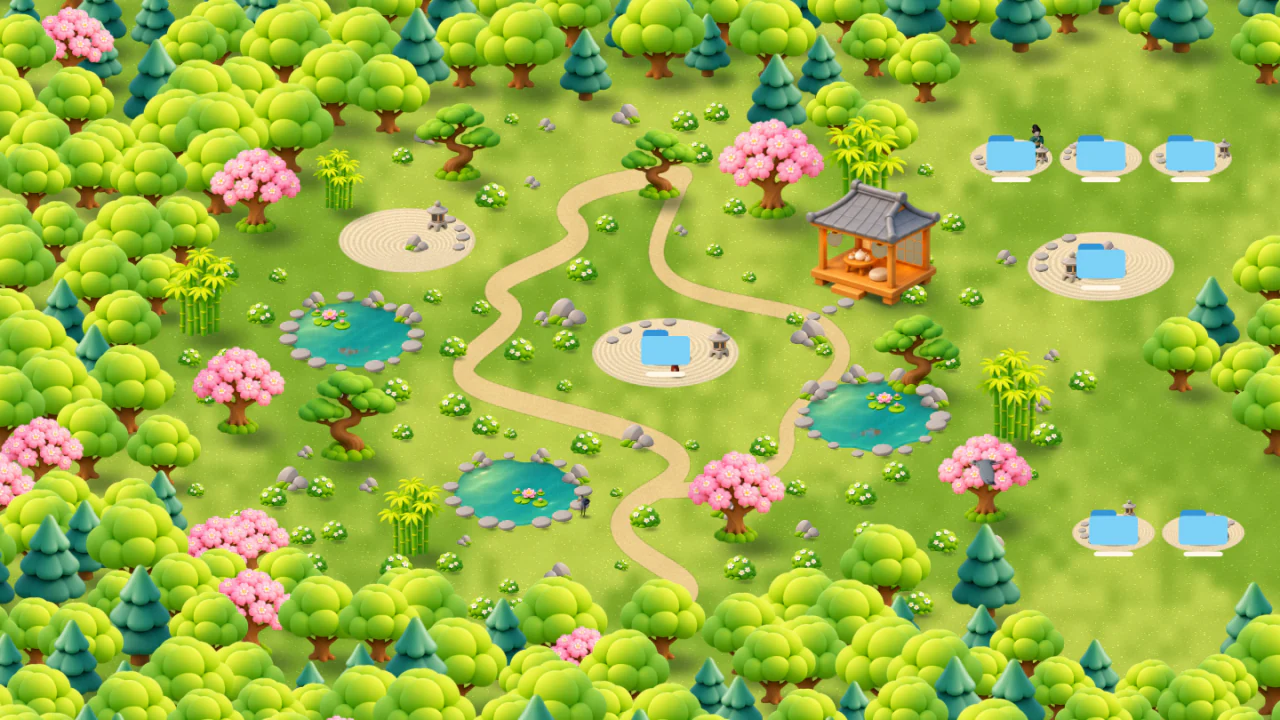
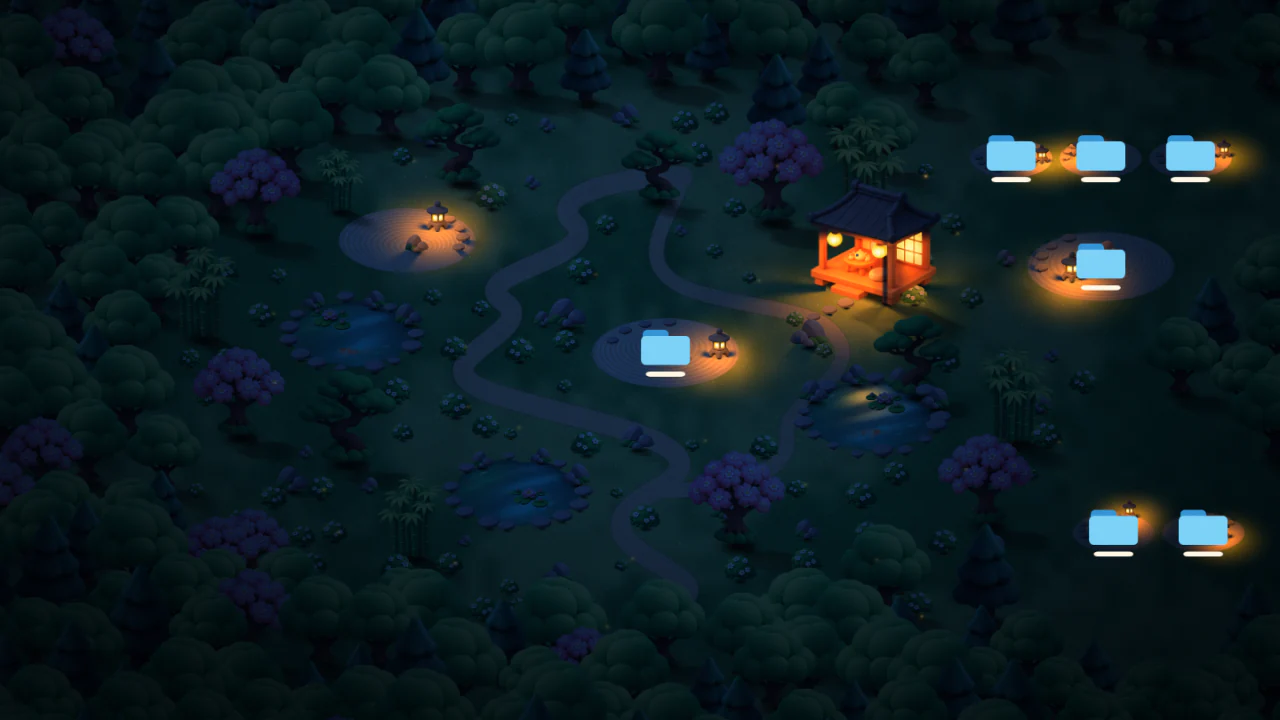
Move a folder and the scenery makes room. A shoreline curves around it, a gap opens in the forest, or a gravel bed appears beside a pond.
See how desktop icons work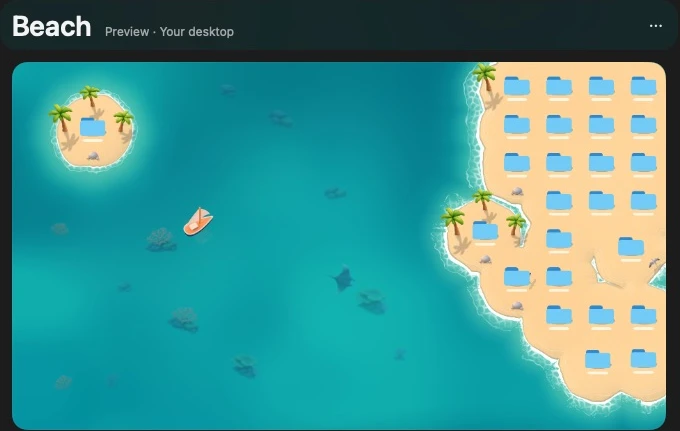
Dioramac lives in your menu bar and uses Apple’s Metal graphics to draw each scene. The app is native macOS, with no web views or web frameworks.
When a full-screen or maximized app covers the desktop, Dioramac stops drawing to save resources. It also pauses when your display sleeps or your Mac locks.
Icon positions stay on your Mac. Dioramac never reads desktop item names or file contents and never sends them to a server.
How Dioramac handles privacyFor Apple silicon Macs running macOS 15 or later. The public download will be posted here at launch.